Scanner App ‧ Scan to PDF Download
For iOS

Turn Your iPhone Into an Office Scanner

Scan documents to PDF, sign with your e-signature, and share to the cloud — all from your iPhone or iPad in seconds.

App screenshot

Real Users, Real Scans

Rated 4.4 stars by 29 users on the App Store

Inside the scanner

Everything from scan to signed PDF, in one place

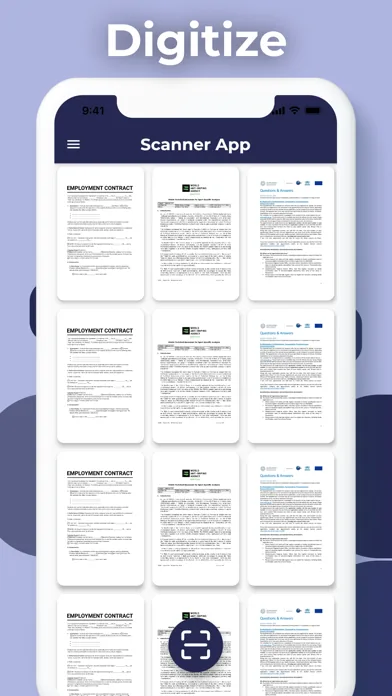
Your Document Library, Always Ready

Keep every scanned document organized in a clean, searchable grid — contracts, invoices, receipts, and more. Scanner App stores everything locally on your device so only you can access it, with no cloud dependency required.

Screenshot illustrating: Your Document Library, Always Ready

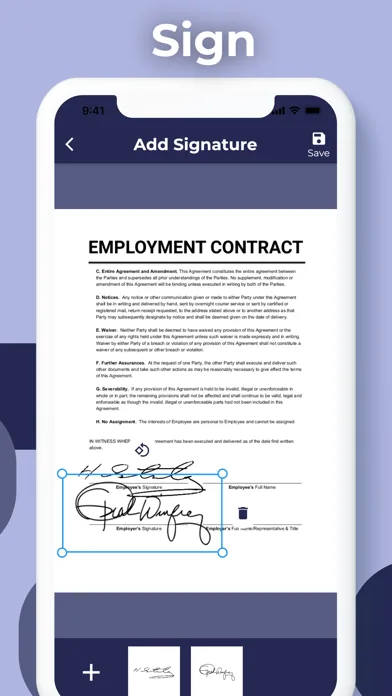
Sign Documents Right on Your iPhone

Add your electronic signature directly to contracts and agreements without printing a single page. Place signatures in the exact fields required, save, and you're done — no scanner, no printer, no back-and-forth email chains.

Screenshot illustrating: Sign Documents Right on Your iPhone

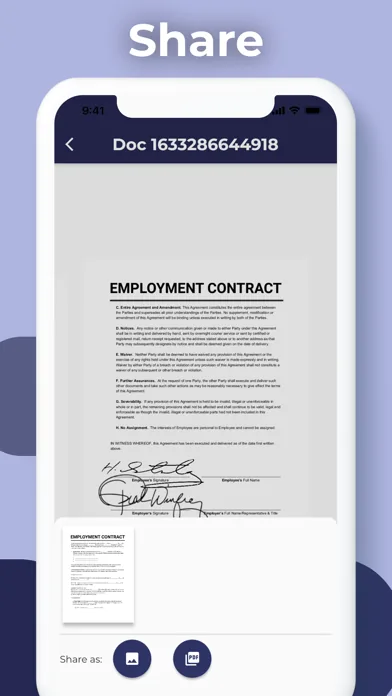
Share as PDF or Image Instantly

Once your document is scanned and signed, export it as a PDF or image file in just a few taps. Send to Dropbox, Google Drive, OneDrive, Evernote, or any app on your device — your format, your destination.

Screenshot illustrating: Share as PDF or Image Instantly

Folders, Passwords, and Peace of Mind

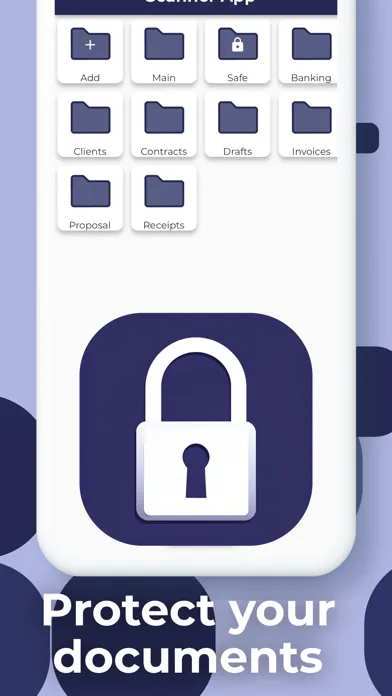
Organize scans into named folders — Banking, Clients, Contracts, Invoices — and lock sensitive documents with a password. Your files stay on-device and protected, giving you full control over who sees what.

Screenshot illustrating: Folders, Passwords, and Peace of Mind

Camera Scanning That Crops Itself

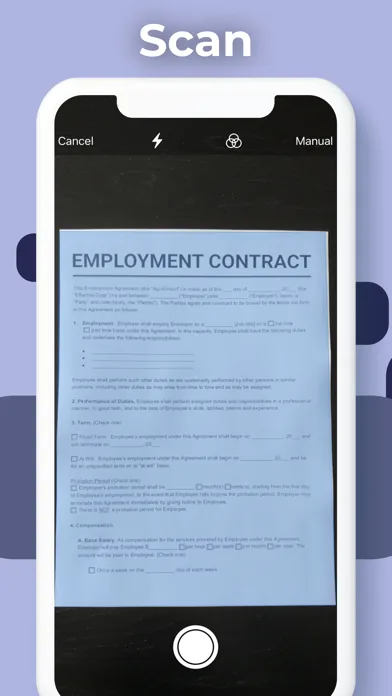
Point your iPhone camera at any document and Scanner App automatically detects the edges, crops, and captures a clean scan. Switch between Auto and Manual mode for tricky lighting or unusual document sizes.

Screenshot illustrating: Camera Scanning That Crops Itself

Full iPad Support for Bigger Workflows

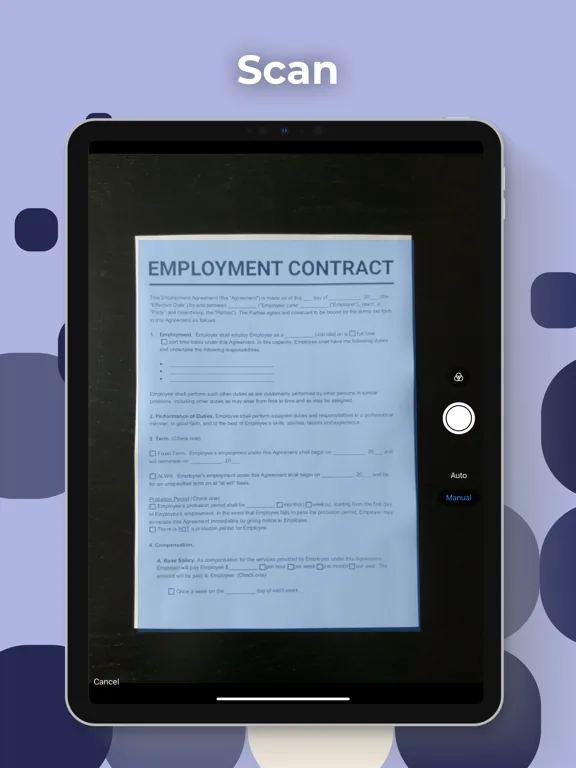
Scanner App works just as well on iPad as on iPhone — scan, sign, and share on the larger screen for easier review of multi-page contracts and detailed documents. One app, all your Apple devices.

Screenshot illustrating: Full iPad Support for Bigger Workflows

Who it's built for

Scanner App for the way you actually handle paperwork

01 · For

Freelancers and self-employed professionals

Stop hunting for a printer every time a client sends a contract. Scan signed paperwork, add your e-signature, and send back a polished PDF — all without leaving your desk or finding a physical scanner.

02 · For

Small business owners managing invoices and receipts

Digitize receipts the moment they land in your hand. Organize them into folders by client or project, protect financials with a password, and upload directly to Google Drive or Dropbox for your accountant.

03 · For

Students handling academic and administrative forms

Enrollment forms, ID copies, permission slips — scan once and keep a clean PDF copy on your phone. No more losing paper originals or making special trips to a campus library scanner.

04 · For

Remote workers and home-office users

Your iPhone is already in your pocket. Turn it into a full document scanner in seconds, skip the bulky desktop hardware, and keep your home office lean without sacrificing document quality.

05 · For

Anyone transitioning to a paperless workflow

Build a complete digital archive of your most important documents — contracts, insurance forms, medical records — stored securely on-device with folder organization and password protection from day one.

Before you download

Common questions from first-time mobile scanner users

What file formats can I scan and export?
Scanner App lets you export scans as PDF or JPG image files. You can scan multiple pages into a single PDF document, making it easy to send a complete contract or multi-page report as one clean file.
Does the app automatically detect document edges?
Yes. The camera scanning interface automatically detects, crops, and straightens your document in real time. If you're scanning something unusual or in tricky lighting, you can switch to Manual mode and crop yourself.
Can I sign documents inside the app?
Yes. You can add your electronic signature directly onto any document inside Scanner App. Place it in the correct signature field, save your signatures for reuse, and export the signed file as a PDF — no printing needed.
Where are my scanned documents stored?
All documents are stored locally on your iPhone or iPad. Only you can access them. You can also upload to cloud services like Dropbox, Google Drive, OneDrive, and Evernote whenever you want an off-device backup.
Is there a limit to how many pages or documents I can scan?
No page limit. You can scan as many documents as you want and combine multiple pages into a single document. Scanner App is designed for heavy, everyday use without artificial caps on your scanning volume.
Can I organize my scans into folders?
Yes. You can create named folders — such as Banking, Clients, Invoices, or Contracts — to keep your document library tidy. You can also protect individual folders or documents with a password for extra security.
Which cloud services does the app support for sharing?
Scanner App supports sharing directly to Dropbox, Google Drive, Evernote, and OneDrive. You can also share to any other app on your device using the standard iOS share sheet, including email and messaging apps.
Does Scanner App work on iPad as well as iPhone?
Yes. Scanner App is fully supported on both iPhone and iPad. The iPad version features the same scanning, signing, organizing, and sharing capabilities — optimized for the larger screen for easier document review.

Ditch the desktop scanner for good

Scanner App turns your iPhone or iPad into a full document scanner in seconds. Scan, sign, organize, and share — no hardware required. Download free and go paperless today.